RAM vs storage on your phone: what's the difference and how much do you need?
A clear explanation of the difference between RAM and storage in smartphones, and what each one actually affects in everyday use.
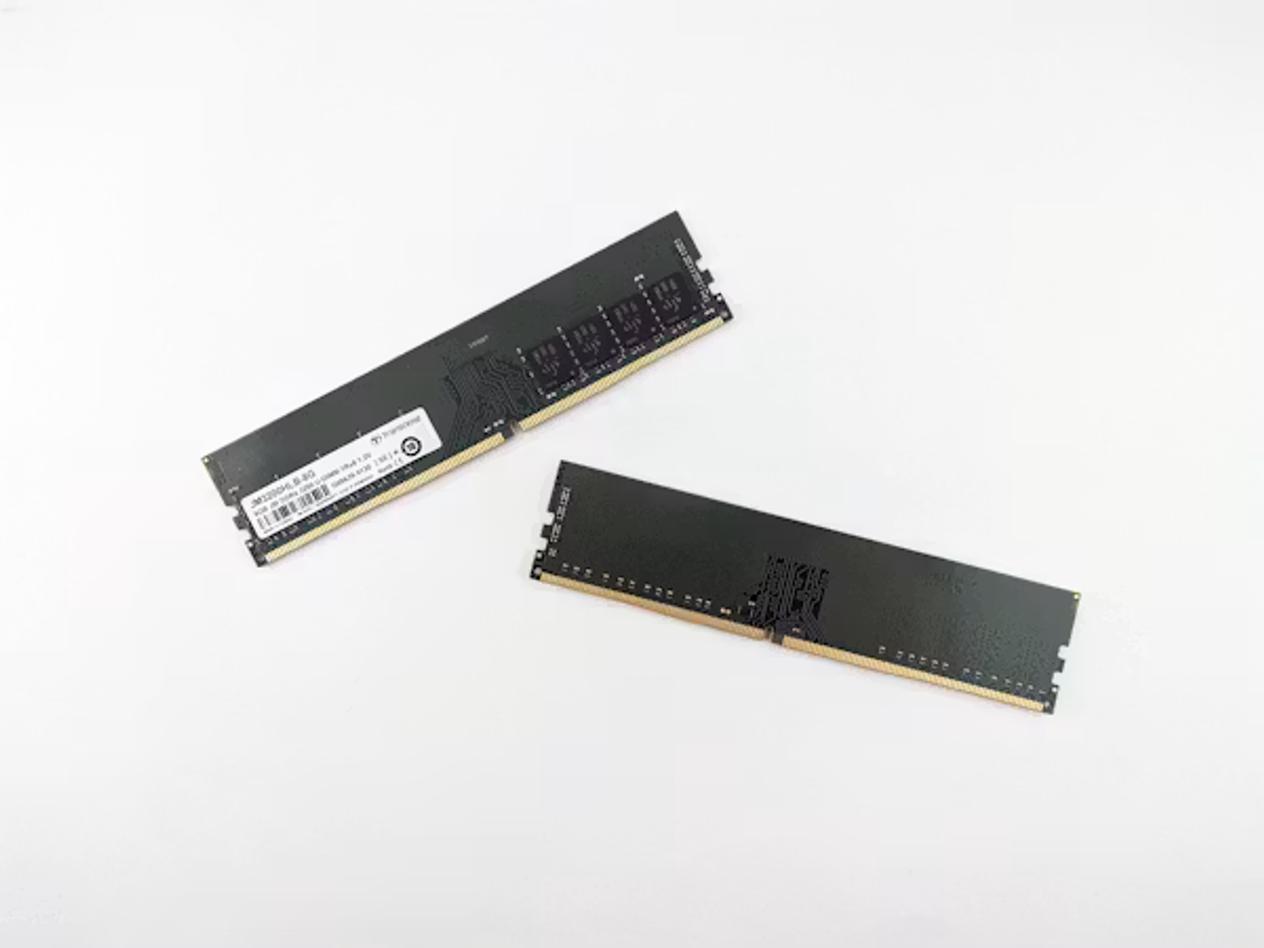
When you shop for a phone you will see two memory numbers: something like "8GB RAM + 256GB storage." They sound similar but they do completely different jobs, and understanding the difference helps you decide what you actually need rather than chasing the highest number on a spec sheet.
| Memory type | What it does | Lost when powered off? | Can you add more? |
|---|---|---|---|
| RAM | Holds apps currently running | Yes — clears on restart | No |
| Storage | Keeps photos, apps, files permanently | No — data persists | Sometimes (microSD) |
What RAM does
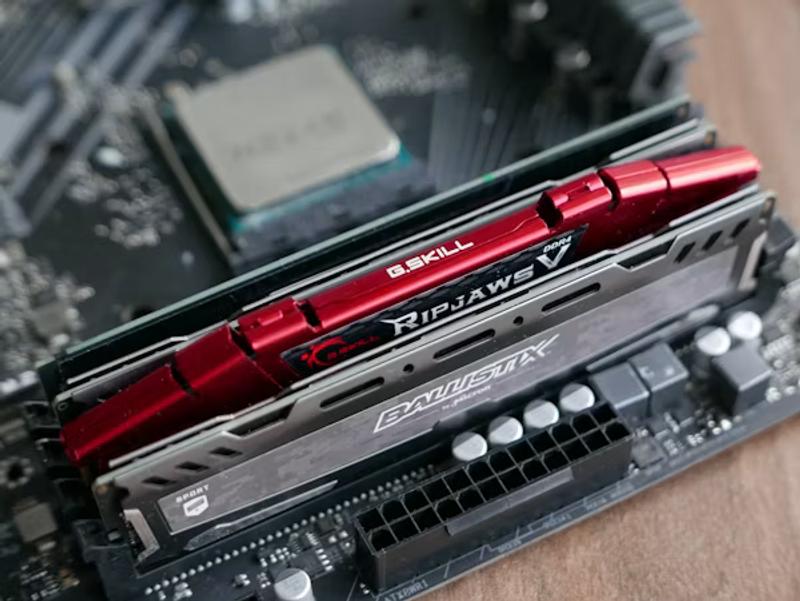
RAM stands for Random Access Memory. Think of it as your phone's desk — the workspace where it keeps everything you are actively doing. When you switch between apps, your phone keeps recently used apps loaded in RAM so they reopen instantly rather than reloading from scratch. The more RAM your phone has, the more apps it can hold in this state simultaneously, and the less reloading you experience.
RAM is volatile: when you turn your phone off and back on, everything in RAM is wiped. That is normal and intentional. The system uses RAM as a fast, temporary holding area, not a filing cabinet.
What storage does
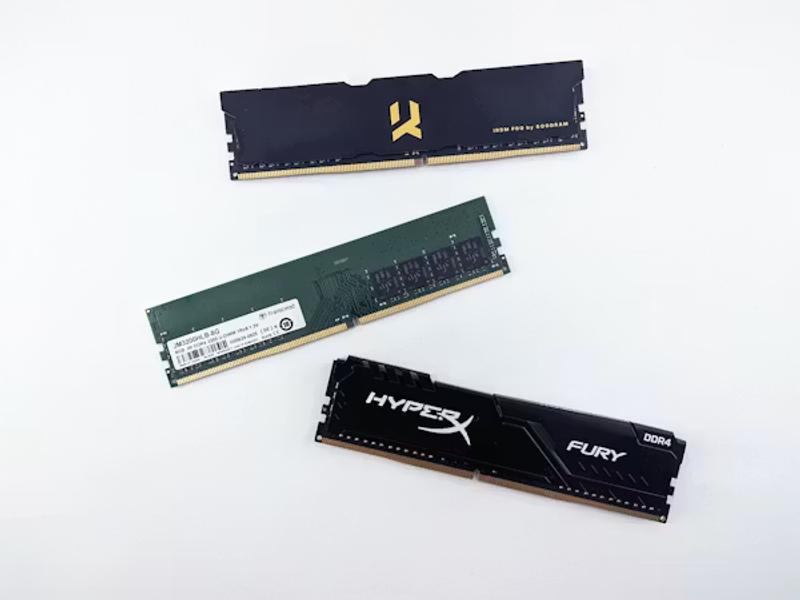
Storage (sometimes called ROM in older or budget-phone specs) is your phone's filing cabinet — the permanent place where your operating system, apps, photos, videos, music, and documents live. Unlike RAM, storage keeps your data even when the phone is powered off. When you download an app, take a photo, or save a file, it goes into storage.
Most phones do not let you upgrade storage after purchase, so it is worth buying more than you think you need. As a rule of thumb, keep at least 10–15% of your storage free; when storage fills up, the OS cannot write temporary files it needs for normal operation, which can cause slowdowns and update failures.
How much RAM do you actually need?
- 4–6 GB — basic use: calls, texts, social media, light browsing. Expect apps to reload frequently if you multitask.
- 6–8 GB — comfortable daily use for most people: messaging, social media, camera, light gaming.
- 8–12 GB — heavy multitasking, mobile gaming, running on-device AI features, keeping many apps open.
- 12 GB+ — content creation, video editing, gaming while streaming, Samsung DeX, or other split-screen power use.
iPhones consistently run smoothly on less RAM than comparable Android phones because Apple's software is tightly optimised for its own hardware. A 6 GB iPhone typically feels comparable to an 8 GB or 12 GB Android device in everyday multitasking.
How much storage do you need?
- 64–128 GB — light users who stream everything and use cloud photo backup.
- 256 GB — most people: photos, a moderate game library, offline music and podcasts.
- 512 GB–1 TB — heavy photographers, 4K videographers, or anyone who regularly travels without reliable internet.
Virtual RAM: does it help?
Many Android manufacturers now offer a "Virtual RAM" or "RAM Plus" feature that converts a portion of your storage into extra swap space. In practice, storage is significantly slower than real RAM, and using it as a substitute causes sluggish app switching and extra wear on your storage cells. It is better to choose a phone with sufficient real RAM than to rely on this feature.
RAM and storage requirements change as operating systems and apps grow; buy slightly more than you think you need today.