What is a password manager and do you need one? A straightforward guide
A clear guide to what password managers do, why security professionals recommend them universally, and how to pick one.
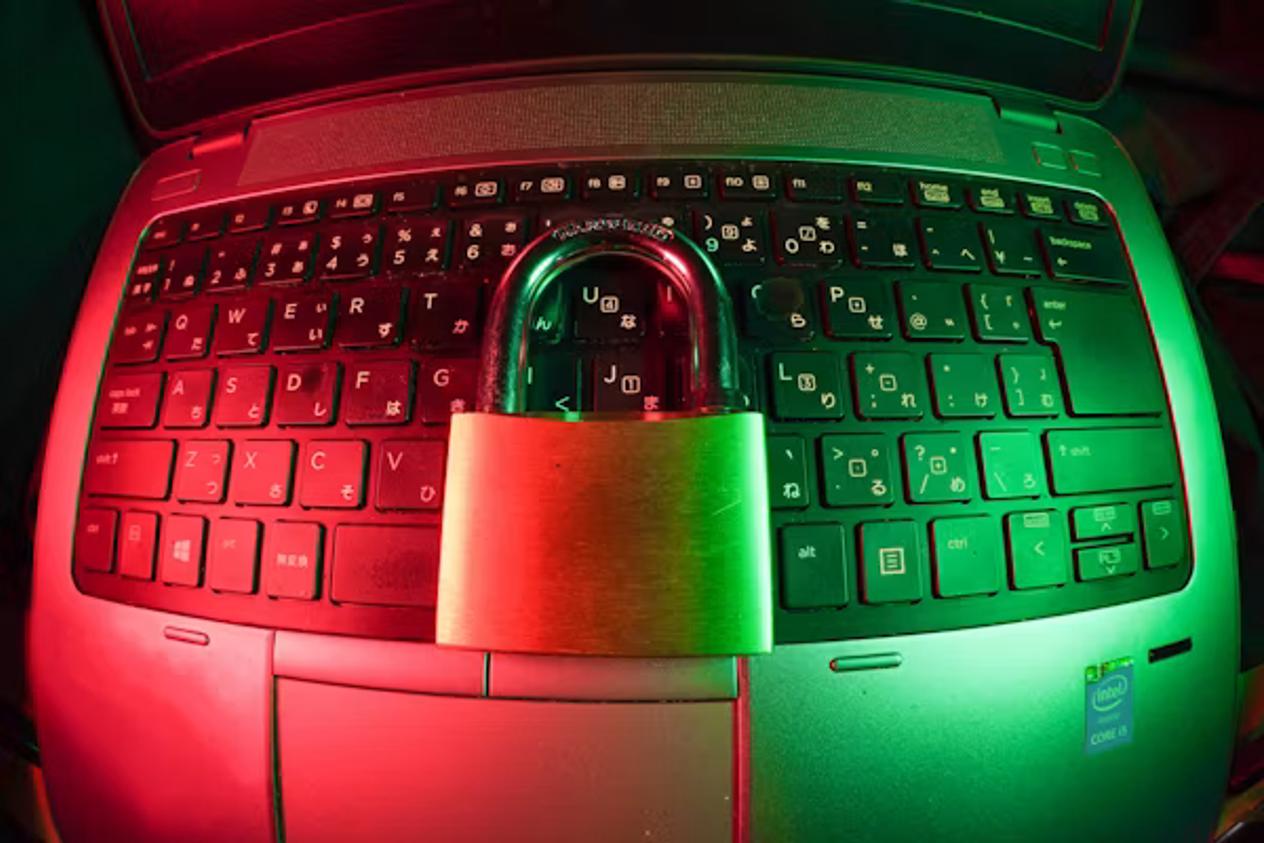
A password manager is an app that generates, stores, and fills in strong, unique passwords for every account you use. You remember one master password; the manager handles the rest.
Security professionals recommend password managers more consistently than almost any other single tool, because reused or simple passwords remain the leading cause of account takeovers. Most people cannot practically memorise a different 20-character random password for every service they use. A password manager makes that trivially easy.
- Reusing passwords is the most common cause of account takeovers — one breach can unlock every account with the same password
- A password manager generates and stores a unique, random password for every site
- Your vault is encrypted with your master password — even the provider cannot read your passwords
- Most password managers include a breach-monitoring tool that alerts you when a stored password appears in a known data leak
How password managers work
When you create an account on a website, the password manager generates a long, random password (typically 16–20+ characters of mixed letters, numbers, and symbols) and saves it in an encrypted vault. The next time you visit the site, it detects the login page and autofills the credentials for you.
The vault is encrypted locally using your master password before anything is sent to the cloud, meaning the provider stores only encrypted data they cannot read. This is called zero-knowledge encryption: only you, with your master password, can decrypt the vault.
What to look for in a password manager
- End-to-end/zero-knowledge encryption — the provider should not be able to read your passwords even if they want to.
- Independent security audit — look for a published third-party audit of the code and infrastructure.
- Browser extensions and mobile apps — you want autofill to work seamlessly on every device.
- Breach monitoring — alerts you if your stored credentials appear in a known data leak.
- Strong master password + 2FA support — your vault should itself be protected by a second factor.
- Emergency access or account recovery — a plan for if you forget your master password.
| Password manager | Free tier? | Open source? | Notable feature |
|---|---|---|---|
| Bitwarden | Yes (generous) | Yes | Self-hosting option available |
| 1Password | No (14-day trial) | No | Travel Mode, strong family plans |
| Dashlane | Limited | No | Built-in VPN on premium plan |
| Apple Passwords | Yes (Apple only) | No | Built into iOS/macOS, no extra app |
| Google Password Manager | Yes (Google only) | No | Built into Chrome and Android |
Bitwarden is a strong default recommendation: it is open source (the code is publicly auditable), has been independently audited, offers a generous free tier, and works across all platforms and browsers.
What about writing passwords down?
Writing a master password in a notebook kept at home, locked away, is significantly safer than reusing a simple password across every site. If someone breaks into your home, they have your passwords; but this threat is far less common than online credential stuffing attacks that check leaked databases against thousands of sites automatically. A password manager is safer than both, but a written-down master password plus autogenerated unique passwords is still a big improvement over the status quo for most people.
General information. Evaluate each service's current security policies and audit status before committing to one.
Sources
- Beginners Tech Tips — Cloud storage and account security overview — https://www.beginnertechtips.com/smartphone-storage-options/